Onetel
  • Destinations
  • Compare Plans
  • Global
  • Subscriptions
  • How Setup Works
Log in
  • Currency
  • 🇺🇸 USDUS Dollar
  • 🇪🇺 EUREuro
  • 🇬🇧 GBPBritish Pound
  • 🇦🇺 AUDAustralian Dollar
  • 🇨🇦 CADCanadian Dollar
  • 🇸🇬 SGDSingapore Dollar
  • 🇯🇵 JPYJapanese Yen
  • 🇦🇪 AEDUAE Dirham
  • 🇺🇸 USD – US Dollar
  • 🇪🇺 EUR – Euro
  • 🇬🇧 GBP – British Pound
  • 🇦🇺 AUD – Australian Dollar
  • 🇨🇦 CAD – Canadian Dollar
  • 🇸🇬 SGD – Singapore Dollar
  • 🇯🇵 JPY – Japanese Yen
  • 🇦🇪 AED – UAE Dirham
Log in
  1. Home
  2. Installing an eSIM on Android

Installing an eSIM on Android

Covers Samsung Galaxy S21+, Google Pixel 3+, OnePlus, Motorola and most other eSIM-capable Android phones. Keep a second device nearby to display the QR code.

Also available: Installing an eSIM on iPhone

Check these first: Two checks first: the handset has to support eSIM, and it has to be carrier-unlocked. Android can't read a QR code shown on its own screen, so put the code on a second device or print it out. Wi-Fi is required too.

Adding an eSIM on Samsung Galaxy

1
Connect to Wi-Fi
Get on Wi-Fi first. The eSIM profile has to download, and that needs a connection.
2
Open Settings
Open Settings → Connections → SIM Card Manager.
3
Add eSIM
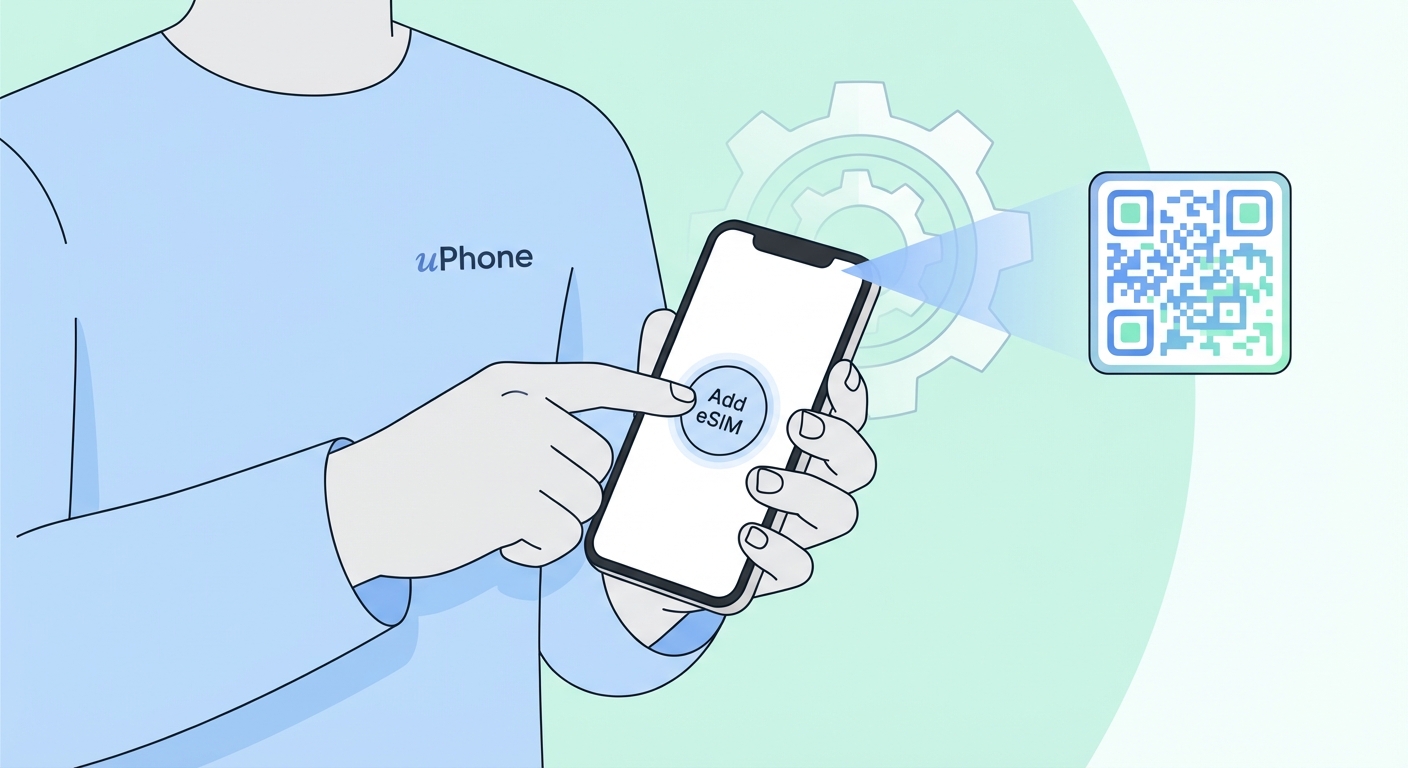
Tap Add eSIM, then choose Scan QR code.
4
Point the camera at the QR code
Open the Onetel email on a second screen, or print it out. Hold the Samsung camera over the QR code. The phone picks up the eSIM profile on its own.
5
Confirm and activate
Work through the on-screen prompts to confirm and switch the plan on. Provisioning takes 1–2 minutes.

Adding an eSIM on Google Pixel

1
Connect to Wi-Fi
Connect to Wi-Fi first.
2
Open Settings
Open Settings → Network & Internet → SIMs.
3
Add eSIM
Tap Add SIM or the + icon, then pick Download a SIM instead? or Scan QR code.
4
Scan the code with your camera
Open the Onetel email on a second screen. Hold the Pixel camera over the QR code.
5
Confirm and activate
Confirm through the prompts. The eSIM goes live within 1–2 minutes.
Android tip

Menu names differ between manufacturers and Android versions. If your screens look different, search for "Add eSIM — [your phone model]" to get the exact steps. Confirm the handset is carrier-unlocked before you go further.

Android eSIM Problems — And How To Fix Them

Open the Onetel email on another screen — laptop, tablet, or a spare phone — and scan again. Turn the brightness up first. If the code has expired, support will issue a new one.

Two likely causes: the handset is carrier-locked, or your exact model or region variant has no eSIM support. Look up the spec sheet for your device, or ask your carrier.

Data Roaming has to be on for the eSIM line. Settings → Connections/Network → SIM Card Manager → pick the eSIM → turn on Data Roaming.

Once a profile activates, it stays tied to that handset. Message our support team and they will arrange a replacement.

On an iPhone instead? See the iPhone setup steps →

24/7 Support

24/7 Support

Stuck somewhere? Support runs on live chat and email. Typical response time is under 2 minutes.

Contact support Browse FAQs
How to install eSIM on Android
Onetel

Data abroad without the roaming bill. eSIM plans for 150+ countries, sent to your inbox in minutes. Your physical SIM stays put.

Top Destinations
  • 🇹🇭 Thailand
  • 🇯🇵 Japan
  • 🇺🇸 United States
  • 🇬🇧 United Kingdom
  • 🇫🇷 France
  • 🇩🇪 Germany
  • 🇮🇹 Italy
  • 🇪🇸 Spain
  • 🇸🇬 Singapore
  • 🇦🇪 United Arab Emirates
  • 🇦🇺 Australia
  • 🇮🇩 Indonesia
  • 🇰🇷 South Korea
  • 🇮🇳 India
  • 🇹🇷 Türkiye
Regional eSIMs
  • 🌍 Global eSIM
  • Europe eSIM
  • eSIM for Eastern Europe
  • Asia eSIM
  • eSIM for Southeast Asia
  • eSIM For The Middle East
  • Africa eSIM
  • eSIM For North America
  • eSIM For Latin America
  • Caribbean eSIM
  • Pacific eSIM
  • eSIM for South Asia
Products
  • All Plans
  • Global Plan
  • Country Plans
  • Region Plans
  • ✦ Gold Membership
  • 🎁 Free eSIM
  • 🚀 Test an eSIM for Free
  • Subscriptions
Support
  • The Way It Works
  • Installing An eSIM
  • iPhone eSIM Setup
  • Android eSIM Setup
  • FAQ
  • Contact Support
  • Device Compatibility
Company
  • About Us
  • Contact Us
  • Blog
  • Affiliates
  • Careers
  • Press
Legal
  • Privacy Policy
  • Terms of Use
  • Refund Policy
  • Cookie Policy

© 2026 Onetel. Rights reserved.

Visa Mastercard American Express Encrypted & Private
Travel worry-free with Onetel

Before you go,
get 5% off
your first order!

Subscribe and receive your discount code instantly.

By subscribing you agree to receive marketing emails. Unsubscribe anytime.

Your code is WELCOME5 — enjoy 5% off!
Travel worry-free with Onetel
✈️
Travel
worry-free
with Onetel.
1
Onetel Support
AI assistant · usually replies instantly

What's your email?

We'll send a transcript and follow up if needed.

Please enter a valid email.

How can we help?