From checkout to online
in less than 2 minutes.
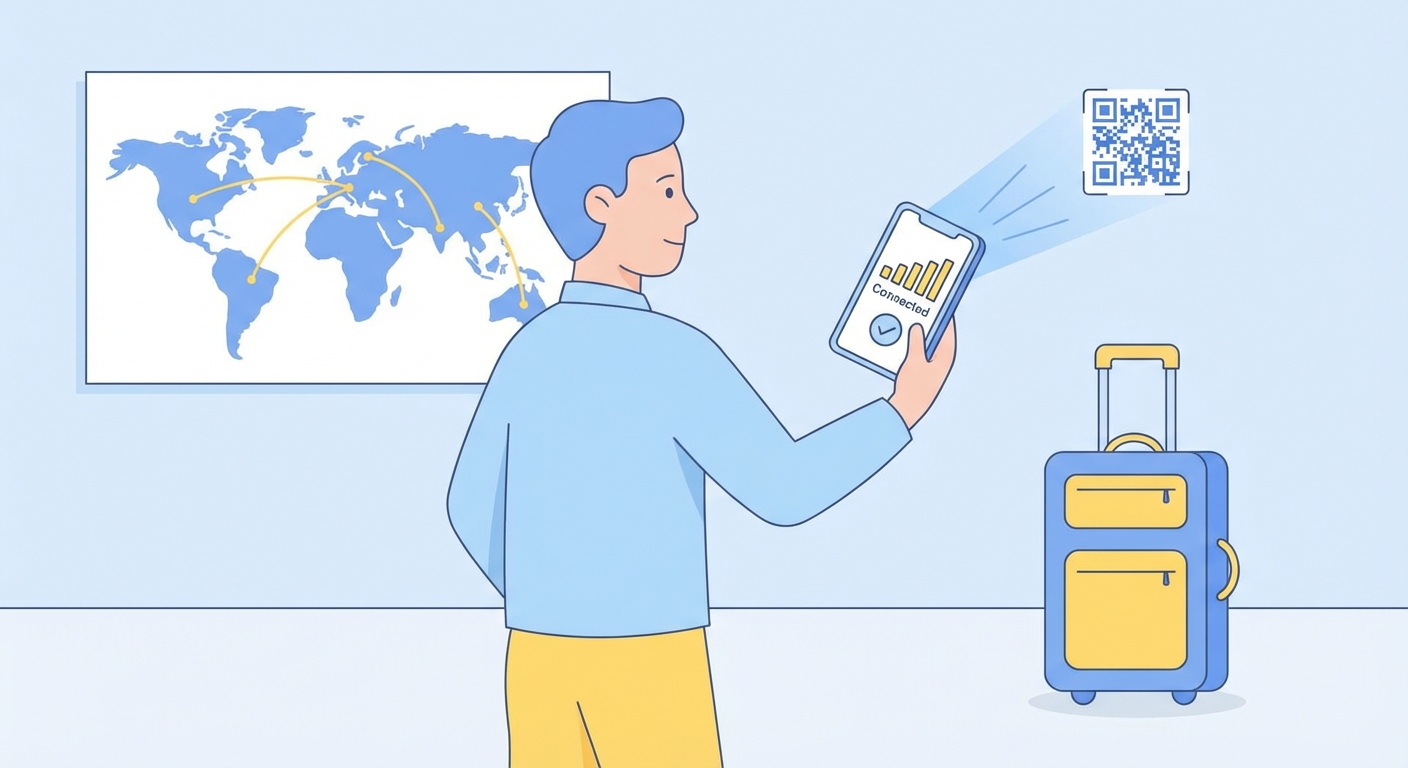
Nothing to collect. No plastic SIM. No queue. Pick a plan, pay, scan the code.
Check pricesHow an eSIM actually works
Pick your data plan
Search plans by country (USA, Japan, UK…), region (Europe, Asia…), or choose a global plan that covers the lot. Filter by data amount and validity so you pay for what the trip actually needs.
- 150+ countries and regions
- 1 GB up to unlimited data
- 1-day to 365-day validity
- Priced in your local currency

Pay securely — your QR code arrives instantly
Card, Apple Pay or Google Pay, all processed securely by Stripe. The whole checkout runs in under 30 seconds. Seconds after the payment clears, your eSIM QR code lands in your inbox.





- No hidden fees
- SSL encrypted
- We never store card details
- Instant email delivery
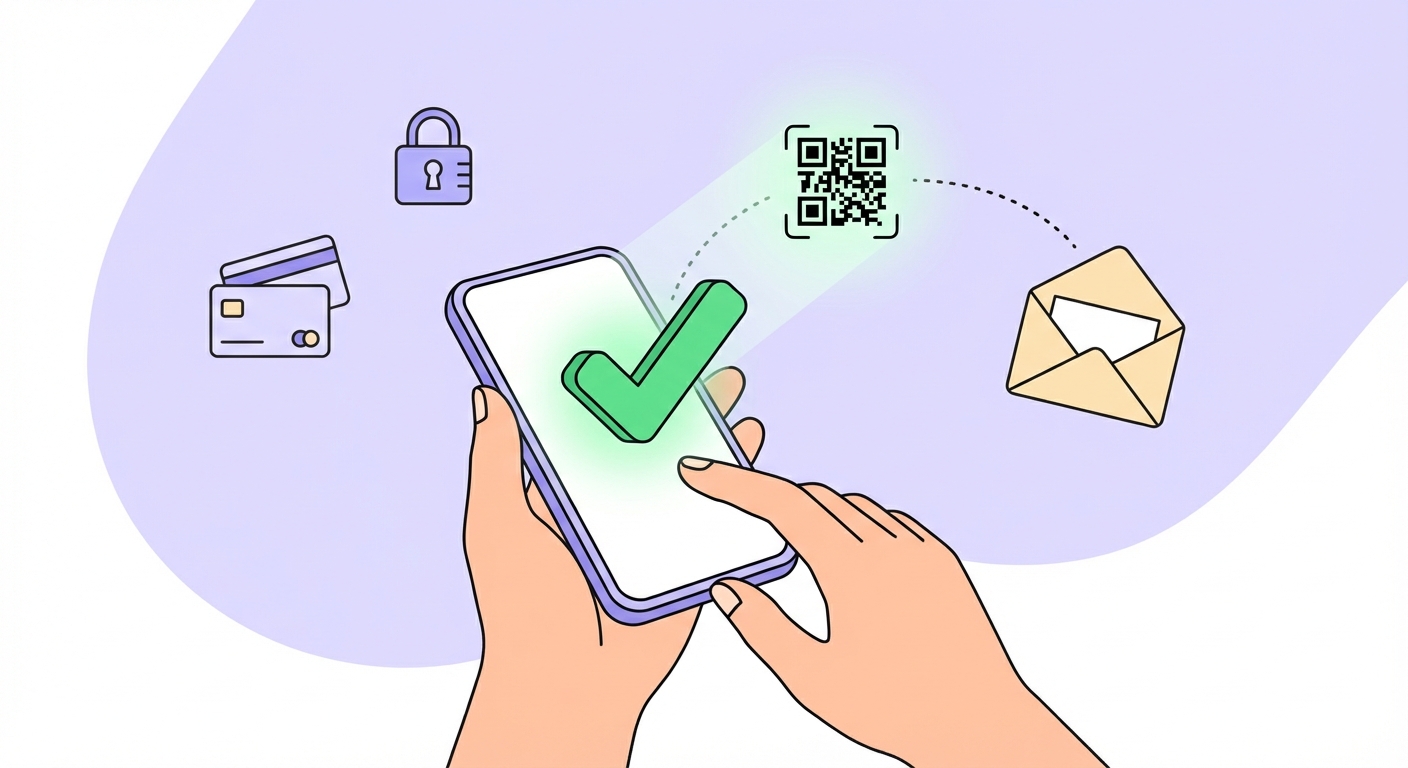
Scan & go online
On your phone, open Settings and go to Mobile Data / Cellular → Add eSIM, then scan the QR code from your email. The plan is ready to run — install it at home before you fly and switch it on the moment you land.
- Open Settings → Cellular → Add eSIM
- Select "Use QR code"
- Scan the QR code we email you
- Name it (e.g. "Japan trip") — that's it