eSIM Explained: The Traveller's Guide

The essentials of embedded SIM technology — from the basics to installation, compatible devices, and the travel data plans worth considering.

Instant activation No physical SIM Dual SIM support Works in 190+ countries
The basics 1

An eSIM is a SIM that lives inside your phone

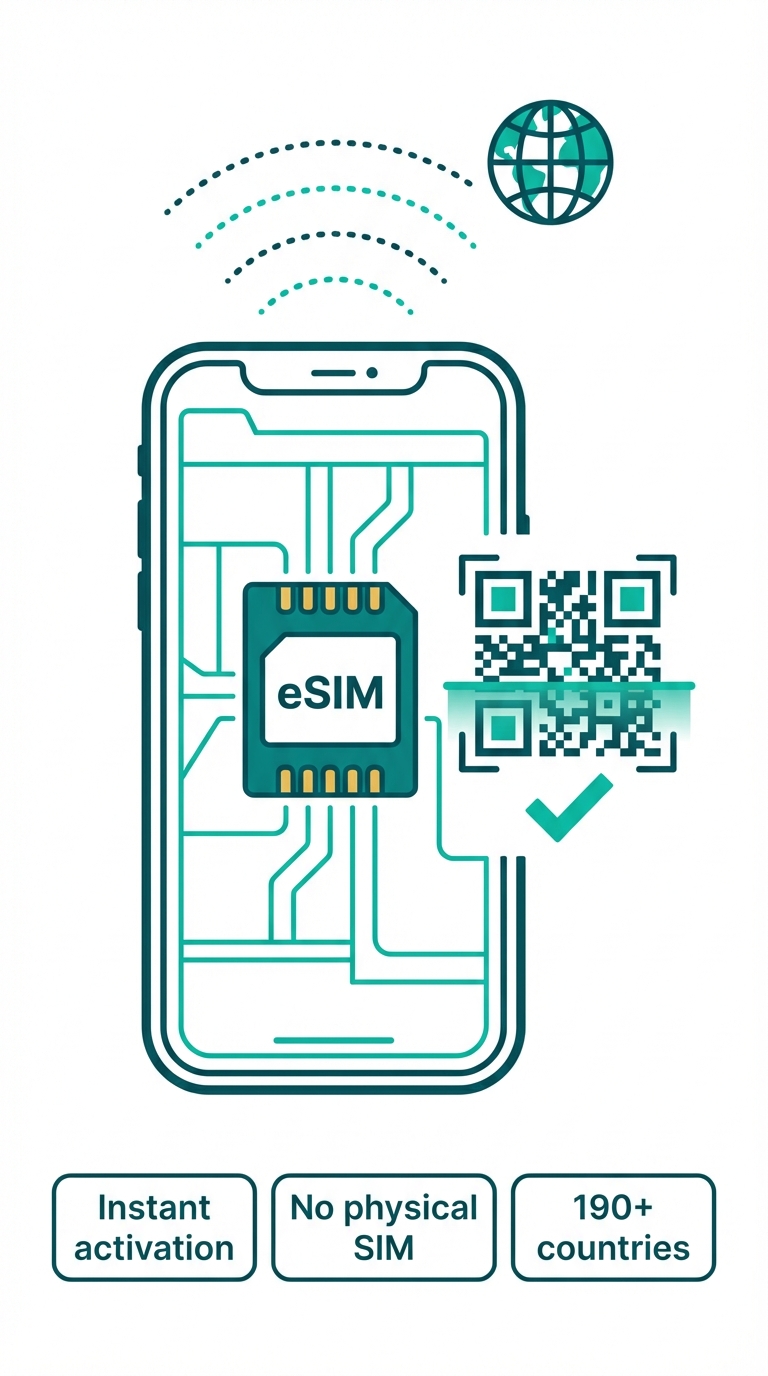
A physical SIM is a plastic card you insert into your phone. An eSIM is an embedded chip soldered onto the motherboard. You activate it by scanning a QR code or typing an activation code — no physical card, no trip to a shop. For a full comparison, see eSIM vs physical SIM.
Built into the hardware
The eSIM chip stays inside your device permanently — it cannot be taken out or misplaced.
Activated by QR code
Scan your provider's QR code and your plan loads in seconds.
Supports multiple profiles
An iPhone holds up to 8 eSIM profiles — flip between them in Settings.
Switch networks on the fly
No need to swap physical cards. Pick a different data provider straight from your phone\'s settings menu.
eSIM chip embedded in a smartphone
Why switch 2

Why travellers are moving to eSIM

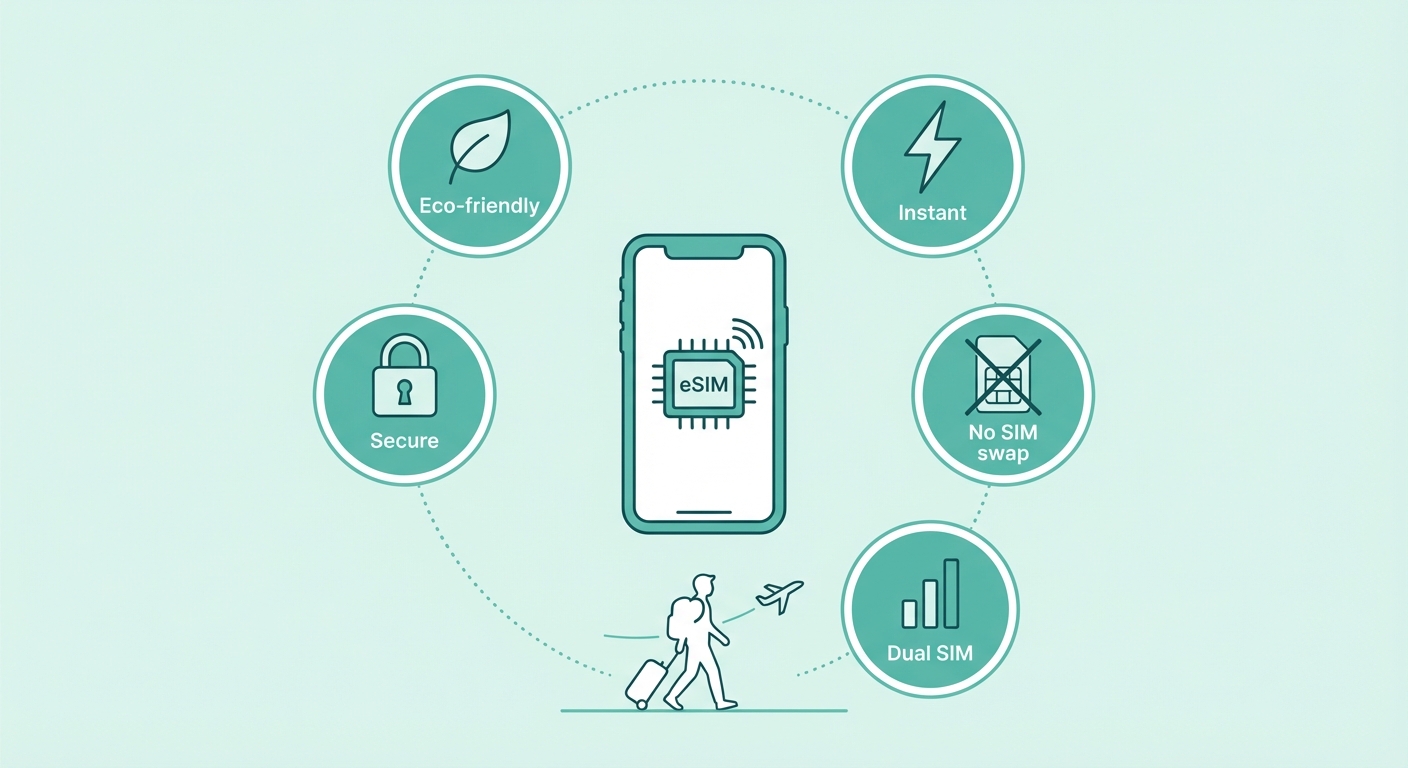
eSIM does more than simplify things — for travellers, it removes a whole class of hassle from every journey. If you need data for streaming or want to pair your eSIM with a VPN, check our guides on eSIM data plans and eSIM + VPN setup.
Instant activation
Buy a plan and get it active in minutes — from anywhere. Skip the store visit, skip waiting for a delivery.
No physical swapping
No more hunting for a SIM pin at the airport sink. Your eSIM lives inside your phone.
Dual SIM
Your physical SIM keeps your home number active, while the eSIM carries cheap local data.
Fewer dropped calls
A physical SIM can bend, get lost, or vanish down a drain. An eSIM cannot.
Eco-friendly
No plastic wrapper, no plastic card, no courier delivery. Lighter on the planet.
eSIM benefits for travellers
Quick compare 3

eSIM vs Physical SIM — side by side

A fast reference for the main differences. For the full detail, see our full eSIM vs physical SIM guide.

Feature
eSIM
Physical SIM
Activation
Instant (QR code)
Visit store or wait for delivery
Switching
Instant, software
Physical swap
Dual SIM
Yes (eSIM + nano)
Depends on phone
Lost/damaged
Cannot lose it
Risk of loss or damage
Availability
iPhone XR+, most flagship
Universal
Travel use
Ideal
Needs unlocked phone + local SIM

Set up in 3 steps

Switching is simple — here's what to do.
Step 1: Confirm your phone
1
Confirm your phone

Most phones from 2019 onwards support eSIM. Check our compatibility list to be certain before you buy.

Confirm your phone →
Step 2: Select a plan
2
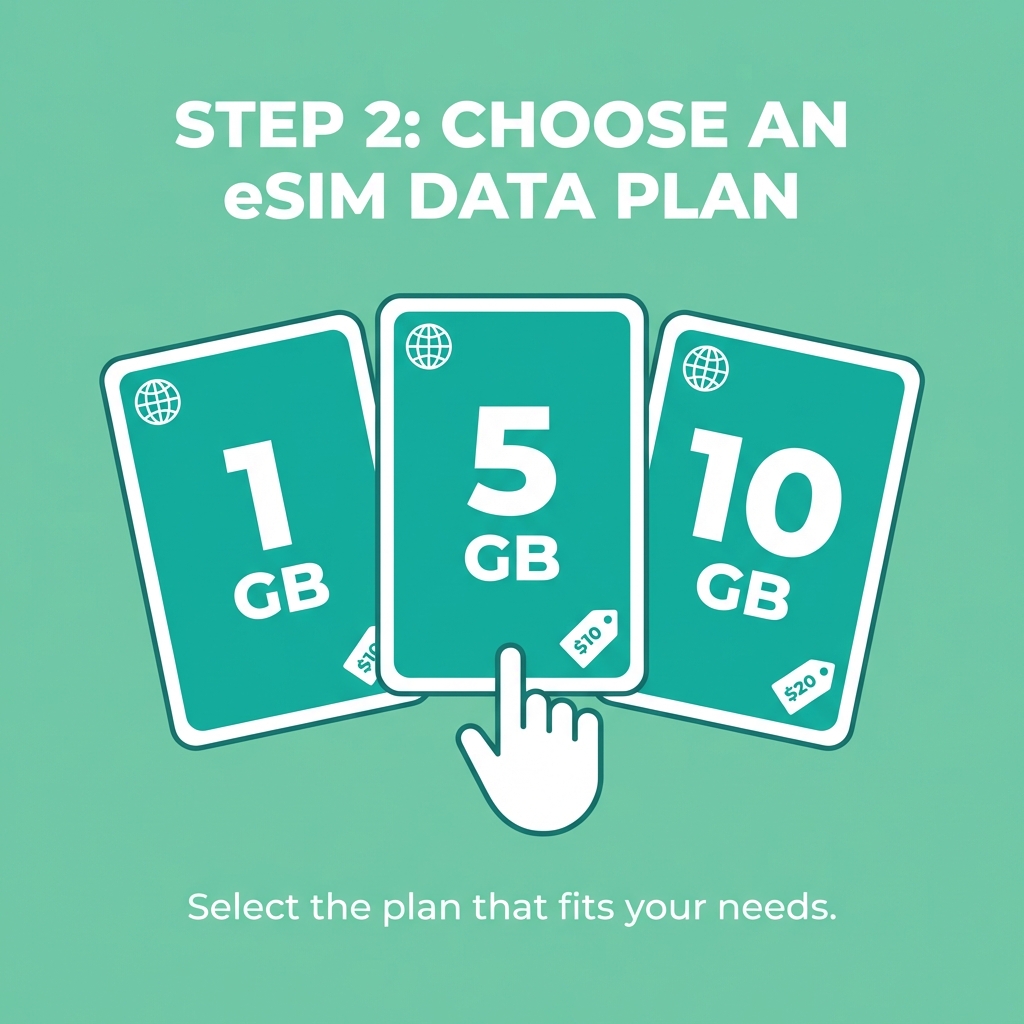
Select a plan

Browse Onetel plans sorted by country or region. Choose data that fits how long you're away.

See plans →
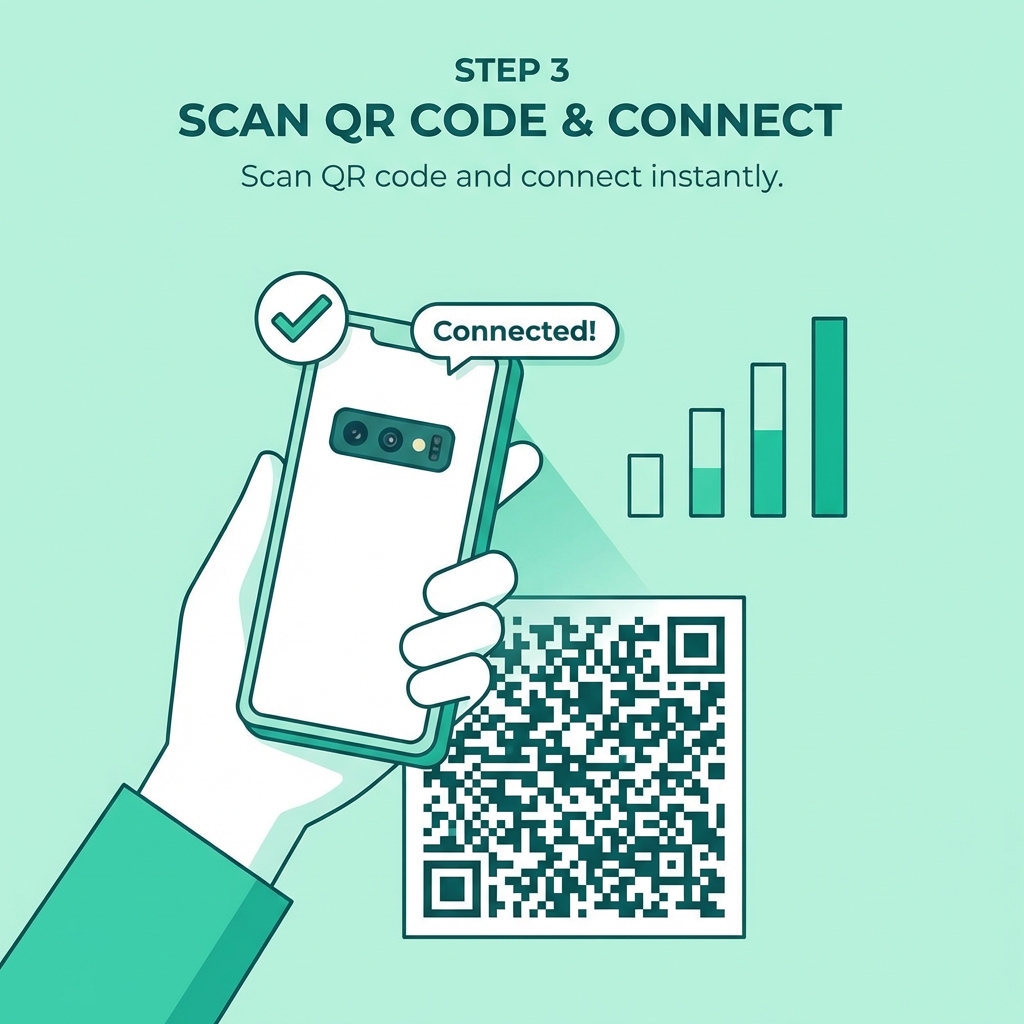
Step 3: Scan & connect
3
Scan & connect

Point your camera at the QR code in your order confirmation and the eSIM activates right away. You're online.

How to install →

Common questions

Yes — most current phones support Dual SIM, so you can keep both active at once. Your home number stays on the physical SIM while you add a Onetel eSIM for data on the road. For the full steps, check the <a href="/esim/esim-dual-sim-setup" style="color:var(--brand-text, var(--brand-primary));font-weight:600;">dual SIM setup guide</a>.

Yes — eSIM matches the security of a physical SIM, and in some ways exceeds it. The profile is encrypted when provisioned and locked to your specific device, so it can't be removed or stolen.

Yes — eSIM and physical SIM operate separately. You can turn off the eSIM and switch to your physical SIM whenever you like. Having an eSIM doesn't stop you using a physical SIM.

Need to move your eSIM to another phone? Send your order details to the provider and they will generate a fresh QR code. A physical SIM cannot be reissued remotely.