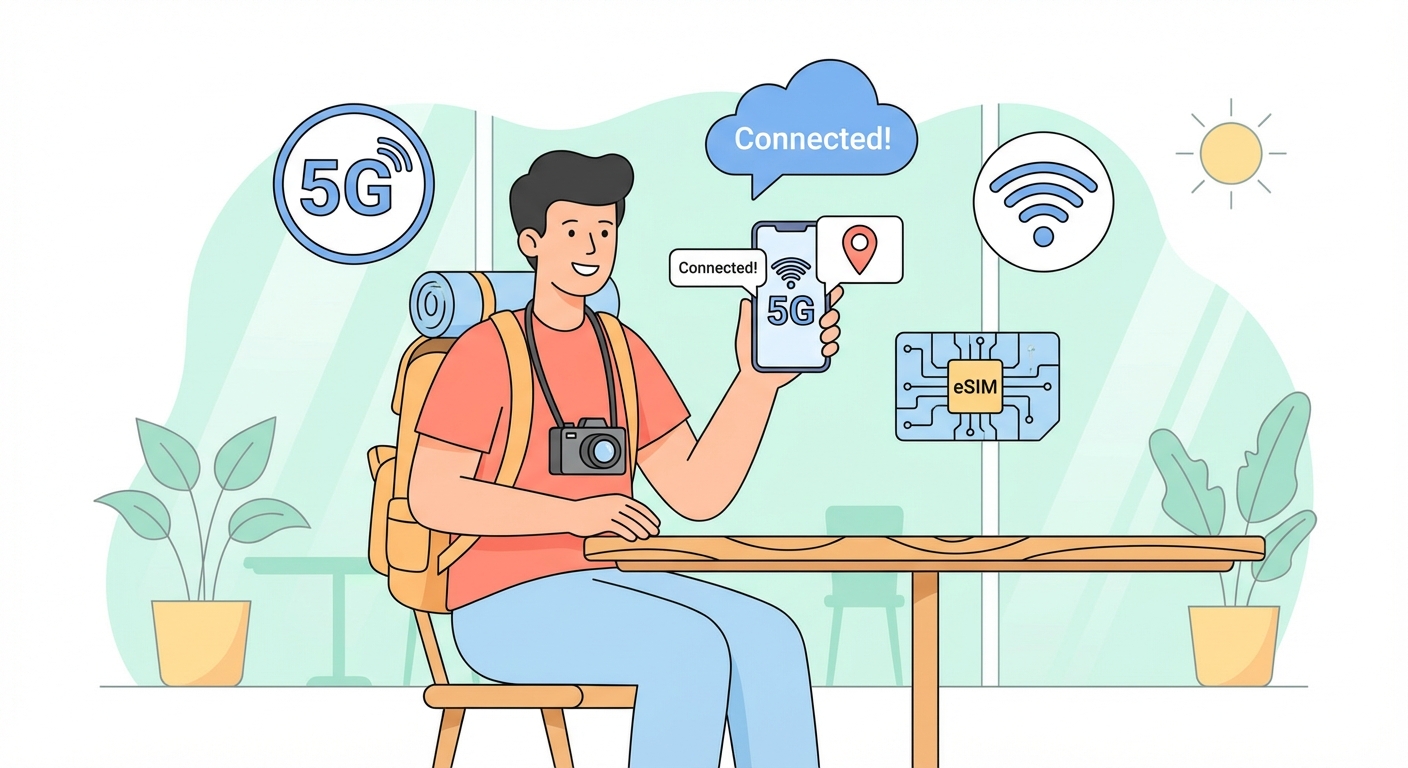
Why Your Itinerary Needs a Connectivity Overhaul
Most travellers land at Narita or Kansai International Airport and head straight for the pocket Wi-Fi rental counter. That queue, the extra device to charge, and the return envelope at departure are now optional. The better plan starts before you leave home: a prepaid eSIM that activates the moment your plane touches down. This guide lays out the practical trade-offs between physical SIM cards, pocket routers, and eSIMs so you can pick the option that fits your trip length and tech comfort.
The Three Real Choices for Staying Online
Japan has three main mobile carriers: NTT DoCoMo, KDDI (au), and SoftBank. Their networks are excellent, but buying a local SIM at the airport still requires a passport, a store visit, and sometimes a fifteen-minute activation wait. Pocket Wi-Fi devices give you unlimited data but need daily charging and must be returned by mail or at the airport. eSIMs bypass both hassles. You buy a plan online, scan a QR code, and the profile downloads to your phone before you fly. Once in Japan, you switch the data line on and your phone connects to NTT DoCoMo or SoftBank towers immediately.
- Physical SIM: Good for older phones without eSIM support. Cost is low, but you must keep track of the tiny card and the SIM tray tool.
- Pocket Wi-Fi: Best for groups sharing one connection. The downsides are battery life (usually 8-10 hours) and the risk of losing the device.
- eSIM: Most convenient for solo travellers or couples. No hardware, no return, no queue. The catch is that your phone must be unlocked and eSIM-compatible (iPhone 12 or newer, most Android flagships from 2020 onward).
Reliable Free Wi-Fi Options Are Not Enough
You will see free Wi-Fi spots in Tokyo's Shibuya crossing, in Kyoto's train stations, and at many convenience stores. They work for quick map checks. But they require registration forms, often time out after 30 minutes, and drop signal between subway tunnels. Google Maps, which you will use constantly, has no patience for a flaky connection. Relying solely on free Wi-Fi will leave you stranded when you need a train timetable or a restaurant translation. A paid data plan is not a luxury; it is the tool that makes navigation, translation, and booking apps work reliably.
Timing and Data Choices That Save Money
Most eSIM plans run from the moment you activate them, not from the day you buy them. A 7-day plan bought in advance can be activated on day 2 of your trip if you land late. That way you avoid paying for a half-day. Data caps in Japan are generous by global standards. A 10 GB plan covers two weeks of light use: maps, messaging, occasional social media. If you stream video or make video calls, choose 20 GB. Speeds on the NTT DoCoMo and SoftBank networks are consistently above 30 Mbps in cities, so you will not notice a difference between a local SIM and an eSIM in daily use.
The Modern Traveler's Solution
For a trip of one to three weeks, the practical winner is a prepaid eSIM from a provider that uses NTT DoCoMo or KDDI (au) infrastructure. You buy it from a reputable reseller online, install the profile before departure, and land with data ready. No airport counter, no passport scan, no return envelope. The only thing to remember is to delete the eSIM profile after your trip so your phone does not try to connect to a Japanese network from home. If you are travelling with a group of four or more, a single pocket Wi-Fi device still makes sense because it lets everyone share one bill.
One Clear Recommendation
Choose a 14-day eSIM with 20 GB of data from a provider that uses the NTT DoCoMo network. Install it at home, activate it on arrival, and keep your phone in airplane mode until you clear customs to avoid roaming charges. This setup costs roughly the same as a pocket Wi-Fi rental but saves you an hour at the airport on both ends. For the rare spot where cellular signal is weak-mountain trails or deep subway platforms-rely on Google Maps offline mode, which lets you download area maps in advance. That one step covers the gaps without needing a second device.