🇳🇿 eSIM plans for New Zealand

Starting at $2.34/day*
  • No data caps
  • 7-days valid
  • Fast, reliable connection
  • Skip the roaming bill
  • QR code emailed instantly
Get your unlimited data
How many days
More days, lower daily rate
7
How many eSIMs
More eSIMs, bigger discount
1
Install it now or once you're away. Nothing starts counting until you reach your destination and switch the eSIM on.

* The "as low as" figure is the lowest per-day rate, taken from the longest unlimited data plan on sale here.


Secure Checkout
Visa Mastercard PayPal Amex Diners JCB
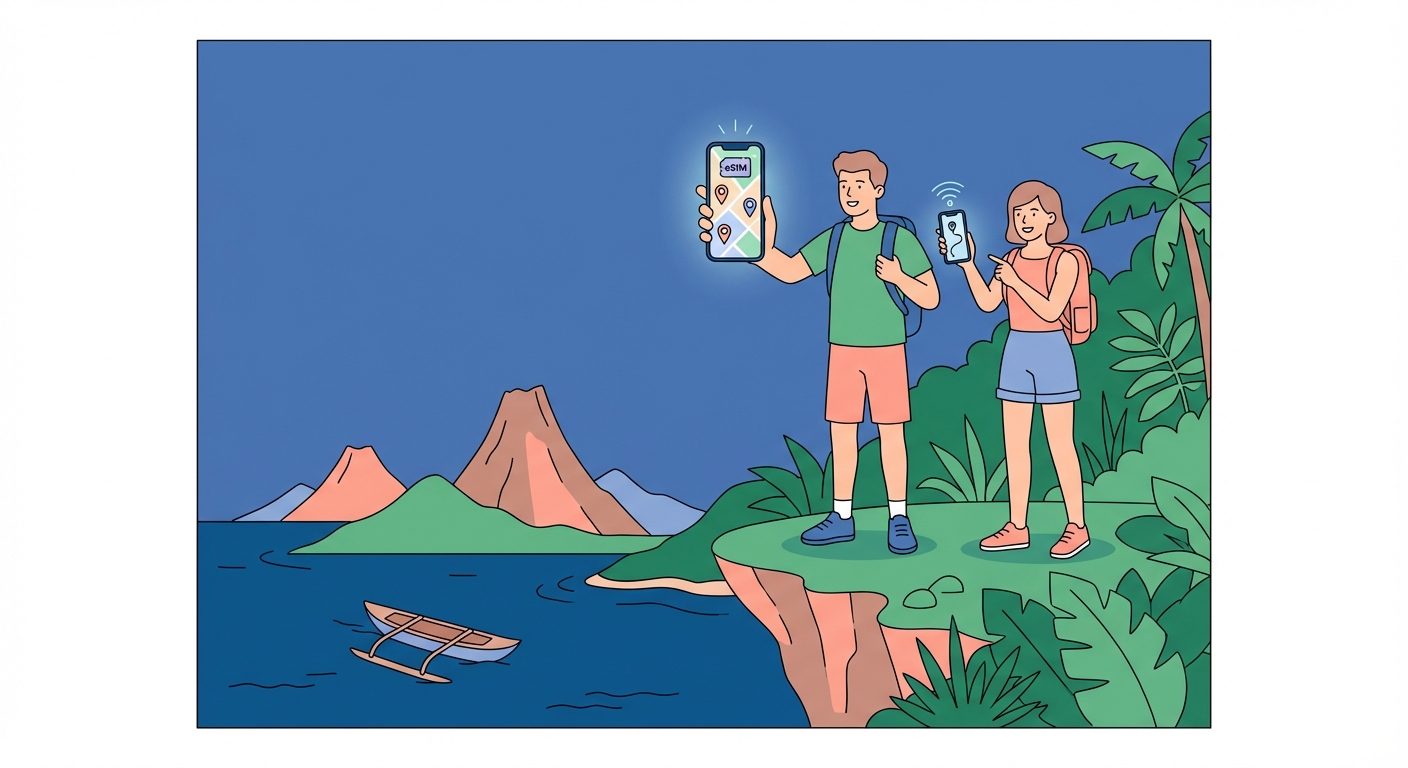
New Zealand eSIM travel illustration

Why buy from us?

Here's how Onetel stacks up against other options in New Zealand.
Onetel
Local SIM card
Roaming
Uncapped data plans
Activates instantly
Your number stays the same
No surprise charges
No lock-in
24/7 support
Pacific eSIM

Cover the Region with Pacific eSIM

Cover New Zealand and every neighboring country on one regional eSIM — no SIM swaps, no extra fees. Starting at $1.94.

View Pacific Plans
🇳🇿

eSIM costs for New Zealand

Prices shown in USD

7 days of unlimited data in New Zealand costs $17.54 — about $2.51 a day on One NZ, Spark or 2degrees, with no roaming charge and no SIM to swap. In New Zealand, 5G is live and median mobile download speed is 53.9 Mbps.

Duration Price Daily cost
1 day $4.10 $4.10/day
3 days $8.40 $2.80/day
5 days $12.96 $2.59/day
7 days $17.54 $2.51/day
10 days $24.40 $2.44/day
15 days $35.82 $2.39/day
30 days $70.12 $2.34/day
180 days $60.86 $0.34/day
🇳🇿

Which New Zealand eSIM plan fits your trip?

Choose your New Zealand eSIM by matching the allowance and validity period to your trip, then compare the selected product details with the local network, band and speed references already shown on this page.

Start with the length of your stay, then allow for navigation, messaging, streaming and work use. Each option below is a plan size that is currently available for this destination.

Short trip

1 GB / 7 days

Best for: A short visit with maps, messages and occasional browsing.

This option pairs the 1 GB allowance with a stated validity period of 7 days.

Usage tip: Save maps before longer journeys and use Wi-Fi for large downloads.

Two-week trip

3 GB / 15 days

Best for: A stay of around two weeks with regular navigation and messaging.

The 3 GB allowance remains available across a stated validity period of 15 days.

Usage tip: Keep automatic app updates and cloud backups on Wi-Fi.

Longer or higher use

10 GB or more / 30 days

Best for: A longer stay or more frequent streaming, video calls or work use.

The 10 GB or more / 30 days profile provides a larger data pool than the short-trip options on this page.

Usage tip: Compare the allowance with your normal phone usage and monitor it during the trip.

🇳🇿

Which networks you connect to in New Zealand

Your eSIM roams onto New Zealand's own operators. These are the networks and the frequencies they run — check your phone supports them before you travel.

Operator 4G / LTE bands 5G bands 5G
One NZ B1, B3, B5, B7, B8, B28 n1, n3, n7, n8, n28, n78 Yes
Spark B1, B3, B5, B7, B8, B28 n1, n3, n7, n8, n28, n78 Yes
2degrees B1, B3, B5, B7, B8, B28 n1, n3, n7, n8, n28, n78 Yes
53.9 Mbps
Median download
10.2 Mbps
Median upload

Source: Ookla Speedtest Global Index, July 2025

Coverage in New Zealand

Extensive rural areas, particularly Fiordland, the Southern Alps, and remote parts of the West Coast, have no mobile coverage from any operator. All three networks have shut down 3G; 2degrees completed its 3G shutdown in Q1 2025. Foreign phones lacking Band 28 (700 MHz) may experience reduced rural and indoor coverage.

How to check mobile coverage in New Zealand

The New Zealand mobile network source is linked below as a public network reference. Check the places on your itinerary where the source offers local detail, then confirm the network information for the selected eSIM product. The operator table on this page provides the country-level reference, while the selected product details identify which network information applies to your plan.

Accommodation and daily stops

Check your accommodation and the places you expect to visit in New Zealand. Indoor reception can differ from an outdoor map, so keep the property Wi-Fi details available as well.

Journeys between stops

Review the full route rather than checking only the arrival city. Save tickets, addresses and maps offline before longer road or rail journeys.

Borders and onward travel

Check the selected product scope for every country on your itinerary. Your New Zealand plan and a regional plan may have different included destinations and validity periods.

Phone compatibility in New Zealand

Compare your phone with 4G bands B1, B3, B5, B7, B8, B28 and 5G bands n1, n3, n7, n8, n28, n78 in the existing New Zealand network table. Support for more of the listed bands gives the phone more options when connecting, while the selected product, location and local network conditions determine the service available.

Set up the New Zealand eSIM for your trip

Keep the QR code and installation instructions available offline, and complete each step according to the selected product's instructions.

When validity starts: Validity-start rules can differ by product. Check the selected plan details before installation and travel.

  1. Confirm that your phone is unlocked and supports eSIM before purchase.
  2. Save the QR code or manual installation details somewhere you can reach without mobile data.
  3. Use reliable Wi-Fi to install the profile at the time recommended in the product instructions.
  4. When you are ready to use it, select the travel eSIM for cellular data and apply the stated roaming and APN settings.
  5. Keep roaming disabled on your home line if you want to avoid using its travel data.
Network and coverage sources, checked 2026-10-10
New Zealand travel guide

How to Enjoy New Zealand

New Zealand’s landscapes change fast. A morning in Rotorua can be rainy, yet by afternoon you might be hiking in clear skies. For a reliable outdoor experience, book activities with flexible cancellation policies. The Tongariro Alpine Crossing is a full-day hike; start early and check the DOC website for track alerts. Milford Sound is best seen by boat or kayak - book ahead in peak season. Wellington’s cable car gives you city views without a long walk. Abel Tasman National Park offers coastal walks and water taxis; you can hike one way and ride back. Pack a rain jacket and sun hat every day.

Top Attractions

These five places cover the country’s variety. Plan for at least half a day at each.

  • Milford Sound - A fiord in Fiordland. Take a cruise or rent a kayak. Rain increases waterfall activity.
  • Tongariro Alpine Crossing - A 19 km hike on the North Island. Requires fitness and proper gear. Check weather before you go.
  • Hobbiton Movie Set - Near Matamata. A guided tour of the Lord of the Rings and The Hobbit Shire set. Book tickets in advance.
  • Rotorua Geothermal Area - Hot springs, geysers, and mud pools. Some pools are free; others are in commercial spas.
  • Abel Tasman National Park - Golden beaches and clear water. Walk the coastal track or join a multi-day sea kayak trip.

Local Foods to Try

New Zealand’s food blends Pacific Rim and Maori influences. These are not all you will find, but they are worth seeking out.

  • Pavlova - A meringue dessert with fruit and cream. Named after a Russian ballerina. Kiwis and Australians both claim it.
  • Hangi - Traditional Maori food cooked in a pit oven. Meat and vegetables are steamed slowly. Look for it at cultural events or specialist restaurants.
  • Fish and Chips - Fresh local fish, often snapper or blue cod. Coastal towns serve the best.
  • Greenshell Mussels - Grown in the Marlborough Sounds. They are plump and sweet. Steam them with garlic and white wine.
  • Anzac Biscuits - Oatmeal and coconut cookies. Originally sent to soldiers in WWI. Good for a snack on the trail.

Best Time to Visit

New Zealand’s seasons are opposite to the Northern Hemisphere. Summer (December to February) is warm and busy. Book accommodation months ahead. Autumn (March to May) has settled weather and fewer crowds. The forests turn gold and red. Winter (June to August) is quiet. Snow falls in the mountains. Ski fields operate on the South Island and central North Island. Spring (September to November) brings flowers and lambing. Weather is changeable. For hiking and outdoor activities, the safest window is late spring to early autumn. Your plans will work best if you allow flexibility for weather shifts.

What to Pack

New Zealand’s weather changes within a day. Pack for sun, rain, and cold.

  • Layered clothing - A base layer, a fleece, and a waterproof jacket. You will add or remove layers as you move.
  • High SPF sunscreen - The sun is strong, even when it is overcast. Use SPF 50+ and reapply often.
  • Sturdy hiking boots - Trails are uneven and can be muddy. Ankle support helps on rocky sections.
  • Compact binoculars - Useful for spotting seabirds, dolphins, and distant peaks. Lightweight models are best.
  • Reusable water bottle - Tap water is safe everywhere. Fill up at campsites and cafes.

Common Questions

The details worth knowing about your New Zealand eSIM

The eSIM roams on One NZ, Spark, and 2degrees. All three use 4G LTE and 5G on bands B1/B3/B5/B7/B8/B28 and n1/n3/n7/n8/n28/n78. This gives you access to the same combined coverage as a local user, which means good city and highway coverage but no signal in Fiordland, the Southern Alps, or remote West Coast areas.

Yes, you may get reduced coverage in rural areas and inside buildings. Band 28 is used by all three New Zealand networks for long-range 4G and 5G. Phones sold in the Americas often lack this band. Without it, your signal will be weaker outside main towns and in valleys.

The eSIM works wherever One NZ, Spark, or 2degrees have coverage. On the North and South Islands, coverage is extensive only near roads and towns. Stewart Island has limited mobile coverage around Oban; the Chatham Islands have no coverage at all. Check the coverage maps before you go.

No. The eSIM provides standard roaming data with no throttling, content filtering, or blocked protocols. You can use video calls, streaming, and VPNs normally. The median download speed across New Zealand networks is 53.87 Mbps as of July 2025, though speeds vary by location and network load.

No SIM registration or ID is required for visitors using this eSIM. New Zealand does not mandate registration for prepaid roaming services. You simply install the eSIM before travel and activate it on arrival. No passport verification or local address is needed.

Compare 1 GB / 7 days, 3 GB / 15 days and 10 GB or more / 30 days. Use the shorter profiles for lighter maps and messaging use, then compare the larger allowance for streaming, video calls or work apps.

The start rule is product-specific. Review the selected plan details before installing it so you know whether any action is required before arrival.

Save the QR code, manual installation details, APN guidance and the support instructions supplied with the selected plan.
24/7 Support

Stuck? Talk to a human.

Live chat and email are staffed the whole way through — before you fly and while you're abroad. Replies typically land in under 2 minutes.

Talk to us

Onetel customer support